From initiation toacclimatized plantlet
xPlant Pro connects cultures, protocols, lab work, and reports in one tissue-culture-native workspace. Follow each record from source plant through acclimation without rebuilding the story in a spreadsheet.
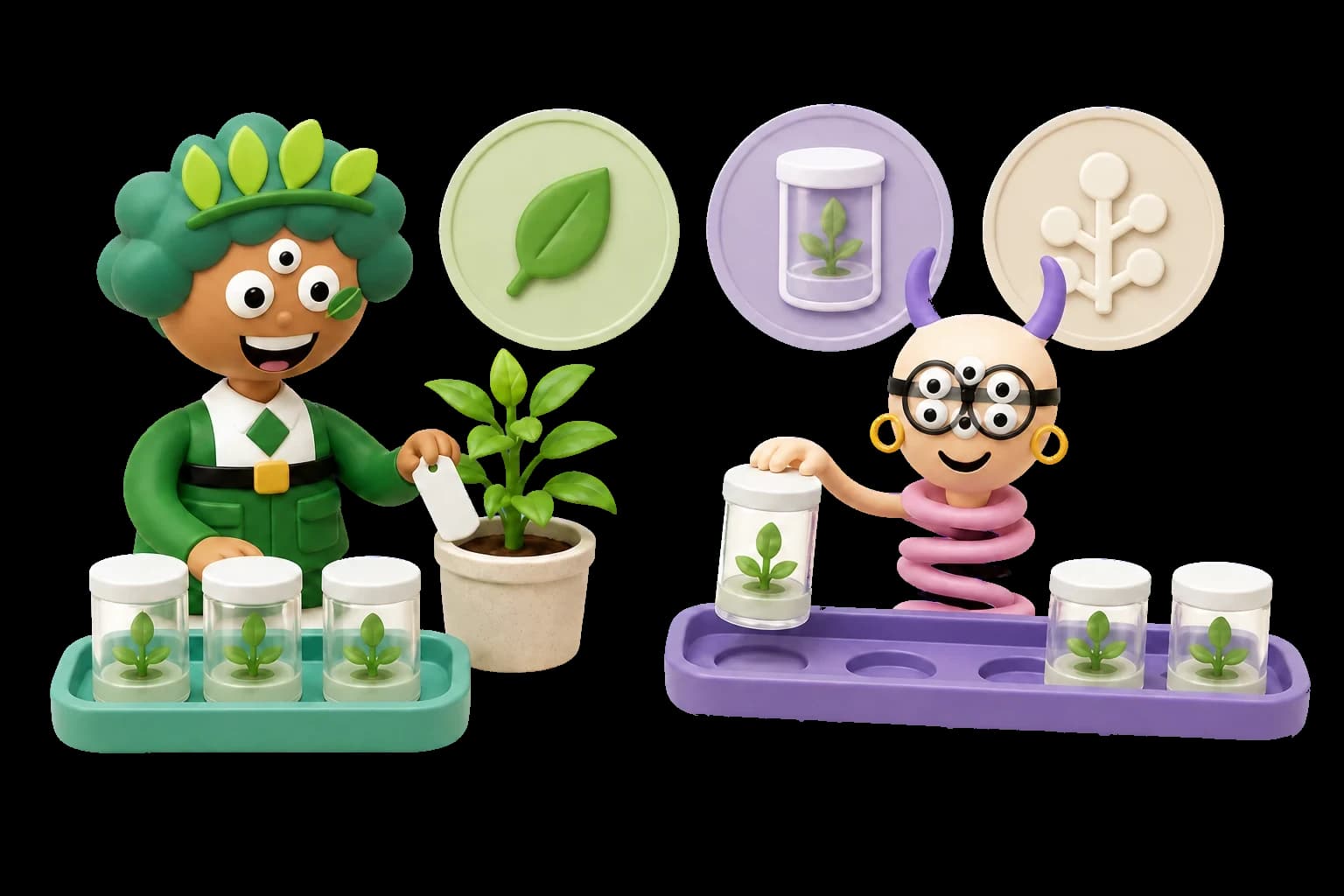
Everything in one connected loop
From mother plant to sale-ready plantlet, xPlant connects every step of your tissue culture lab workflow.
- 01
Set up your lab workspace
Add plants, explants, locations, media recipes, SOPs, and labels. Configure your workspace to match your lab size and workflow from day one.
- 02
Track plants & explants
Record parent plants, explant labels, batches, current stage, key dates, media used, and status. Link explants back to their parent plant for full lineage context.
- 03
Follow stages & transfers
Log initiation, multiplication, rooting, and acclimation events. Track transfer history and key dates across the full propagation timeline.
- 04
Connect SOPs & media recipes
Link your protocols, recipes, and prep notes to real lab work. Keep formulation details, step-by-step instructions, and component lists in one place.
- 05
Monitor contamination
Add photos and observations to the affected culture record. AI can organize a confidence-labelled assessment for review while your team tracks severity, follow-up work, and patterns over time.
- 06
Stay on top of tasks
Create tasks with due dates, link them to plants, explants, or lab work, and track follow-up actions to completion.
- 07
Label, scan & find records fast
Print QR labels for plants, explants, and stages. Scan any label to jump directly to the associated record from any device.
- 08
Review reports & patterns
Export activity, contamination history, transfers, and stage data. Use the dashboard to spot patterns across your entire lab operation.




Every record links to the next
xPlant is not a spreadsheet or a single-purpose tracker. Records connect across the whole lab workflow.
- 01PlantExplantStage
- 02TransferSOPMedia RecipeTask
- 03Contamination LogReport

Intelligence built into every observation
Core tracking works without AI. When you choose it, AI can help structure contamination observations and surface relevant context for review.
Contamination photo analysis
Add a photo to a contamination log and receive a structured, confidence-labelled assessment to review alongside your own observations.
Structured contamination assessment
Describe what you observed and organize possible contaminant types, contributing factors, visible symptoms, and follow-up notes for review.
Lab Q&A assistant
Ask questions about tissue culture and your own lab records. Use the response as context for review, not as a diagnosis or a replacement for your SOPs.
AI is optional. Review its suggestions against your SOPs, local requirements, and lab judgement.
Built for tissue-culture labs
Everything listed here is shipped and available in the app today.

Culture records
- Plant & explant tracking
- Stage & transfer workflows
- Contamination logs
- Media recipes & formulations
- SOP & protocol links
- QR labels & print flows

Daily lab work
- Tasks & scheduling
- Recurring task templates
- Inventory, lots & suppliers
- Protocol bundles
- Sensor & environment monitoring
- Dashboard & Priority Actions

Insight and connections
- Reports & data export
- AI contamination image analysis
- AI contamination assessment
- AI lab chat assistant
- Lab assignments & roles
- API & third-party integrations
Common questions
Is this for hobby labs or commercial labs?
Both. xPlant scales from a single-person home tissue culture setup to a collaborative commercial lab. You control what you track and how much detail you capture.
Can I track explants separately from plants?
Yes. Explants are first-class records in xPlant, linked back to their parent plant but trackable independently with their own labels, stages, transfers, media, and status.
Can I manage contamination logs?
Yes. Log contamination observations with photos, link them to specific plants or explants, and review a structured AI assessment if you choose. Track severity, follow-up actions, and patterns over time.
Can I use my own SOPs and media recipes?
Yes. Create your own SOPs and media recipes, link them to cultures and lab work, and keep them private or share them with your lab.
Can I export my data?
Yes. xPlant supports data export so you own your records. More export formats and scheduled exports are on the roadmap.
Does xPlant help identify contamination?
Yes, with optional AI assistance. Add a contamination photo or describe your observation to receive a structured, confidence-labelled assessment for review. It supports your investigation but does not diagnose contamination or replace your lab SOPs.
Is inventory included?
Yes. Track stock levels and reorder thresholds, record lot numbers, and link items to suppliers. Media recipes carry their own component lists alongside.
Can I use xPlant with my lab?
Yes. Invite people into a lab workspace, assign work to them, and control what each one can do with owner, admin, manager, member, and viewer roles. Activity history records who changed what.
Is AI required to use xPlant?
No. Plants, explants, SOPs, media recipes, contamination logs, tasks, and labels all work without AI. Photo analysis, observation assessment, and the lab assistant are optional.
More questions? See the full FAQ or contact support.
Ready to build your lab?
Find the right plan for your lab, from a solo setup to a full team.